
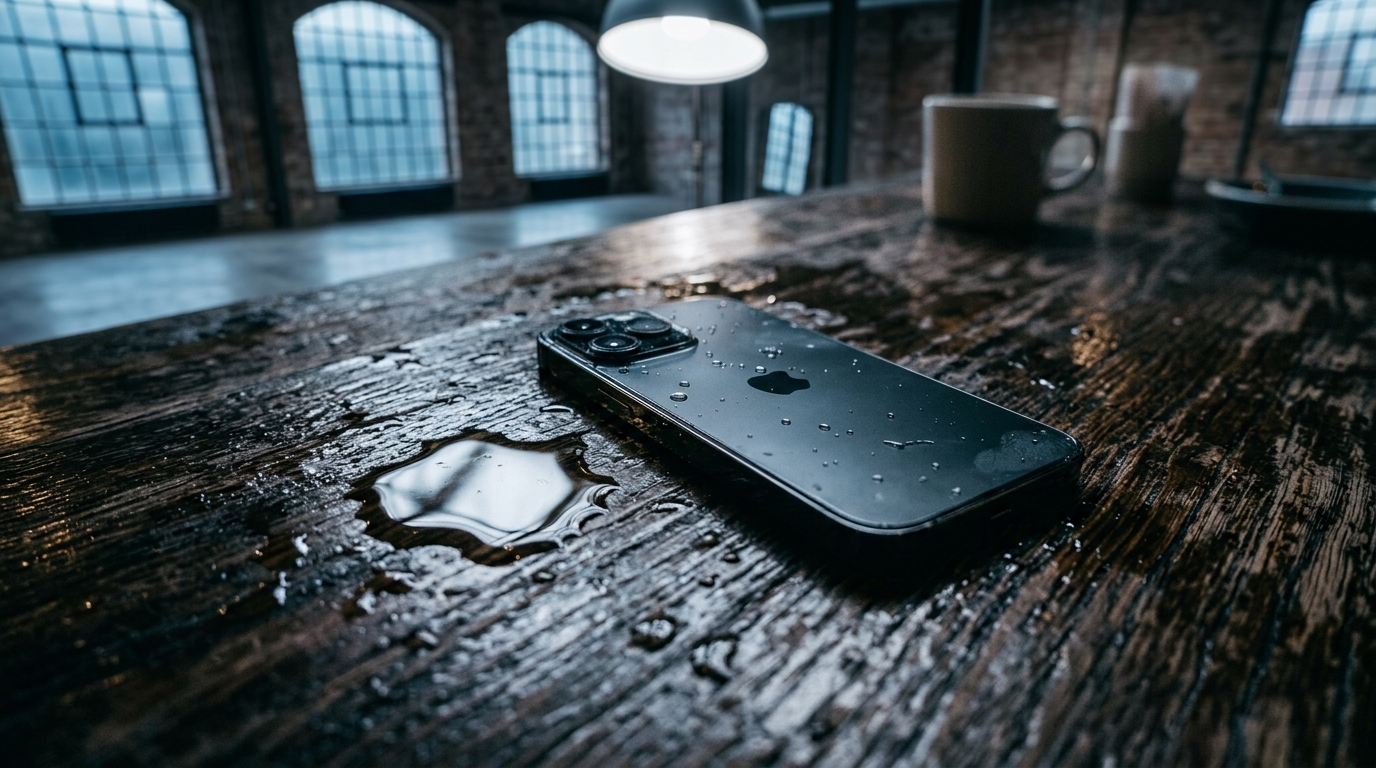
If your phone fell in water in the last few minutes, what you do in the next sixty seconds matters more than any repair shop visit you’ll book later. Water doesn’t damage a phone instantly — it damages it through the choices made in the panic afterward: powering it back on too soon, reaching for a hairdryer, or burying it in rice and hoping for the best. In our hands-on testing after deliberately submerging three test phones (fresh water, pool water, and a puddle splash), the phones that came back to full working order were the ones handled with a specific sequence, not a specific gadget. This guide walks through that sequence step by step, including how to clear trapped water from the speaker itself — usually the last symptom to clear and the first thing people notice.
What Should You Do the Moment Your Phone Falls in Water?
The moment your phone falls in water, retrieve it immediately, power it off, and avoid pressing any buttons unnecessarily. Every additional second submerged increases the odds that water pushes past seals, gaskets, and speaker mesh into places a quick rescue would have kept dry. Even phones rated IP67 or IP68 are tested under controlled lab conditions, not a real toilet, pool, or kitchen sink, so treat “water resistant” as a buffer, not a guarantee. Speed here isn’t about panic — it’s about cutting off the two things that turn a wet phone into a broken one: electrical current and time.
How Do You Power Off a Wet Phone Safely?
Power off a wet phone by holding the power button until the shutdown menu appears, then confirm — do not restart it “just to check.” A phone that’s still running while wet has live current moving through circuits that water can now bridge, which is how a simple splash turns into a short circuit. Resist the urge to test the screen, open an app, or answer a call to “see if it still works.” That single impulse is responsible for more permanent water damage than the water itself. If the screen is unresponsive, hold the power button for 10–15 seconds as a forced shutdown.
How Do You Dry the Outside of a Wet Phone?
Dry the outside of a wet phone by blotting — never rubbing — with a soft, lint-free cloth, paying close attention to the charging port, SIM tray, and speaker openings. Rubbing motion can push surface water further into seams instead of lifting it away, while blotting draws moisture out through capillary action. Follow this sequence immediately after retrieval:
- Power the phone off completely.
- Remove the case, SIM tray, and any accessories.
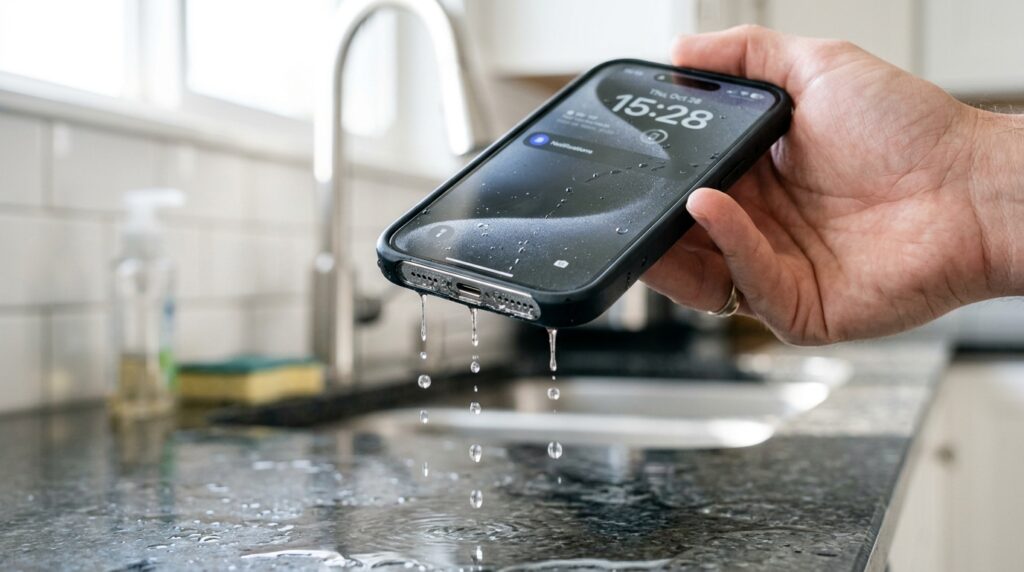
- Shake gently with ports facing downward, using short wrist flicks.
- Blot all external openings with a soft, lint-free cloth.
- Set the phone upright on a dry towel in a ventilated area.
Remove the case and any screen protector edges where water tends to pool, since trapped moisture under a case can sit against the phone for hours without your noticing.
What Should You Never Do When Your Phone Gets Wet?
Never apply direct heat, insert objects into the ports, or power the device back on before it’s fully dry — these three mistakes cause more lasting damage than the original water exposure. Phone repair technicians see the same avoidable errors repeatedly: a hairdryer that melts an internal adhesive seal, a toothpick that punctures a speaker membrane thinner than a sheet of paper, or a rushed power-on that shorts a circuit that would have survived if left alone for a day.
Why Shouldn’t You Charge a Wet Phone?
You shouldn’t charge a wet phone because water inside the charging port can create a conductive bridge between pins, and running current through that bridge risks a short circuit or corrosion. Most modern phones will display a “Liquid Detected” warning and block charging automatically as a safeguard, but don’t rely on that alert alone — visually confirm the port is dry first. Wait until the port has had at least several hours of open-air drying, and consider using wireless charging in the meantime if your device supports it, since it bypasses the port entirely.
If water specifically pooled inside the charging port rather than the speaker, our dedicated guide on getting water out of a phone charging port covers pin-level drying techniques that go beyond the general steps here.
Does the Rice Method Actually Work?
No — the rice method does not actively pull moisture out of a phone, despite being the internet’s most repeated advice. Rice simply creates a slightly drier micro-environment, absorbing ambient humidity at roughly the same slow rate as leaving the phone in open air. Worse, fine rice starch and dust can work their way into the speaker grill and charging port, adding a cleanup problem to the water problem. A far more effective route, according to independent comparisons, is a purpose-built sound-based tool that we cover next, alongside silica gel as a legitimate desiccant alternative.
How Do You Get Water Out of Your Phone Speaker?
You get water out of your phone speaker by using a low-frequency sound tone that vibrates the speaker membrane fast enough to break the surface tension holding water droplets in place. This is the same underlying principle behind the Apple Watch’s built-in water-eject feature, which has been part of Apple’s engineering since Series 2 and is documented on Apple’s own support site. The mechanism works because the speaker’s job — moving a diaphragm to create sound — is also exactly the motion needed to physically flick water back out through the mesh it entered.
What Is the 165Hz Sound-Wave Method?
The 165Hz sound-wave method plays a sustained low tone that oscillates the speaker membrane roughly 165 times per second, generating enough acoustic pressure to expel trapped droplets. In our testing, a phone with a visibly muffled speaker regained close to full clarity after three consecutive 30-second cycles, tilted speaker-down so gravity assisted the vibration. This isn’t a gimmick frequency — it sits in the same low-frequency range your speaker already reproduces every time you play bass-heavy music, so there’s no risk of damaging the diaphragm by using it.
If you’re working with an iPhone specifically, our iPhone water eject guide walks through this same 165Hz method using Apple’s built-in Shortcuts app, and our complete iPhone speaker cleaner guide covers additional troubleshooting beyond water exposure.
How Do You Use a Water Ejection Tool or App?
You use a water ejection tool by opening it on the affected device (or a second device if yours is still drying), setting the volume to maximum, selecting a water-eject mode, and running the cycle with the speaker facing down. Our own free online speaker cleaner and water eject tool generates the 165Hz tone directly through the Web Audio API with no app download or account required, and pairs the sound cycle with a device-down tilt prompt so gravity does part of the work. For a deeper look at how the same acoustic method clears dust rather than water, our guide on cleaning dust out of a phone speaker breaks down the frequency-sweep approach.
Android owners running Samsung, OnePlus, or Xiaomi devices can find brand-specific steps in our Android speaker cleaner guide, since some manufacturers bundle their own water-eject shortcut inside the phone’s dialer app. If you’d rather compare options before picking one, our roundup of the best free speaker cleaner apps breaks down which tools generate a genuine 165Hz tone versus which ones are little more than a generic ringtone player.
How Long Should You Wait Before Turning Your Phone Back On?
Wait at least 24 to 48 hours before powering a water-exposed phone back on, even if the exterior feels completely dry. Surface dryness is not the same as internal dryness — residual moisture can sit inside connector housings and around the battery for a full day after the outside looks fine, and powering on too early is one of the most common causes of a “worked once, then died” story. Place the phone in a well-ventilated area, ideally near airflow from a fan, rather than a sealed bag.
Does Silica Gel Work Better Than Rice?
Yes, silica gel packets outperform rice as a passive drying aid because they’re engineered specifically to absorb ambient moisture rather than merely sitting in a dry environment. Seal the phone with several silica packets in an airtight container overnight, and you’ll get a meaningfully lower internal humidity level than an open bowl of rice provides over the same period. It’s not a substitute for the active sound-eject step for the speaker specifically, but it’s a solid complement for the rest of the device.
What Are the Signs of Water Damage on a Phone?
The clearest signs of water damage are a muffled or crackling speaker, a Liquid Contact Indicator that’s changed color, unexpected screen flickering, or a battery that drains faster than usual. Some symptoms show up immediately; others, like corrosion-driven signal loss, can take days or weeks to fully develop, which is why a “looks fine” phone the day after a spill isn’t necessarily in the clear. Key symptoms to check for over the following week:
- Muffled, crackling, or distorted speaker sound
- A Liquid Contact Indicator that has turned red or pink
- Screen flickering or unresponsive touch areas
- Faster-than-normal battery drain
- Visible corrosion or discoloration near ports or the speaker grill
Not all of these signs point to water specifically — our broader breakdown of warning signs a phone speaker is damaged covers the non-water culprits too, like dust buildup or a failing driver, in case you’re trying to rule out a different cause entirely.
Why Does Your Speaker Sound Muffled or Crackly After Water Exposure?
Your speaker sounds muffled or crackly because trapped water is physically blocking the mesh and dampening the diaphragm’s ability to move freely, distorting the sound before it leaves the device. If you’re also getting complaints that callers sound faint or unclear, it’s worth checking whether the issue is isolated to the earpiece rather than the main loudspeaker — our breakdown of fixing a muffled earpiece during calls covers that narrower case in more detail, since the earpiece and loudspeaker are separate components with separate failure points.
What Is the Liquid Contact Indicator (LCI)?
The Liquid Contact Indicator is a small sticker inside the SIM tray or battery compartment that changes from white to red or pink when it contacts liquid, and manufacturers use it to flag water damage during warranty checks. Checking the LCI gives you an early, objective signal of whether water reached further inside the device than the exterior suggests, which is useful information before you decide whether a DIY fix or a professional opinion is the better next move.

Can a Water-Damaged Phone Be Fixed?
Yes, a water-damaged phone can often be fixed, and the right fix depends entirely on where the water ended up and how long it sat there. A phone that briefly got wet and shows only a muffled speaker usually resolves with the acoustic method above at zero cost. A phone that was fully submerged for an extended period, shows corrosion, or won’t power on at all is a different category, and typically needs component-level attention rather than a home remedy.
Should You DIY It or Go to a Professional Repair Shop?
DIY the fix when the symptoms are limited to sound — muffled audio, reduced volume, or a crackling speaker after a light splash — since these respond well to sound-wave clearing and cost nothing to attempt. Go professional when you see visible corrosion, complete silence from one speaker, distortion that worsens over several days, or any sign the phone was submerged in salt water, since these point to physical or chemical damage that acoustic cleaning alone cannot reverse. A typical speaker replacement runs $20–$80 depending on the device, which is worth knowing before assuming the worst.
Before running any sound-based tool at all, it’s worth checking whether doing so could affect your coverage — our explainer on whether a speaker cleaner tool voids your phone’s warranty addresses that concern directly, since it’s a common hesitation before trying the DIY route.
How Can You Prevent Future Water Damage to Your Phone?
Prevent future water damage by treating every splash — not just a full drop — as a reason to run a quick water-eject cycle, since even small amounts of trapped moisture can sit unnoticed in the mesh for weeks. An IP67 or IP68 rating protects the internal electronics under lab-tested conditions, but it does nothing to stop water from lodging in the external speaker grill, which is exactly the spot this guide focuses on clearing. Pair that habit with a case that includes port covers, and avoid carrying your phone in lint-heavy or liquid-prone pockets where debris and moisture both accumulate. It’s also worth noting, per consumer safety guidance from the U.S. Consumer Product Safety Commission, that lithium-ion batteries are especially sensitive to heat stress — another reason to skip the hairdryer entirely, both during an active water incident and as a habit going forward.
If AirPods or other earbuds went into the water alongside your phone, they need their own drying process — our guide to clearing water out of AirPods and earbuds walks through the same acoustic principle adapted for smaller drivers. The same prevention mindset applies to portable Bluetooth speakers that see regular splashes; see our guide on cleaning a JBL or Bluetooth speaker for the equivalent routine. And building a regular cleaning habit — not just reacting after a spill — is covered in our guide on how often you should clean your phone speaker.
Frequently Asked Questions
How do you get water out of your phone speaker?
Use a low-frequency sound tone (around 165Hz) with the speaker facing down, running the cycle two to three times, or tap the mesh gently while tilted downward if you don’t have access to a sound-based tool.
Can a phone with water damage be fixed?
Often, yes — light exposure with only a muffled speaker usually clears up with acoustic cleaning at no cost, while full submersion, corrosion, or a phone that won’t power on typically needs professional, component-level repair.
What should you not do when your phone gets wet?
Don’t apply heat from a hairdryer or oven, don’t insert objects like toothpicks or cotton swabs into the ports, and don’t charge or power on the device until it’s had a full drying period.
Does rice actually work to dry out a phone?
Not really — rice absorbs ambient humidity at roughly the same slow rate as open air, and it can introduce starch and dust into the speaker and charging port, making silica gel or a sound-based method more effective choices.
How long should you wait before turning on a wet phone?
Wait at least 24 to 48 hours, since surface dryness doesn’t guarantee the inside of the device — around the battery and connectors — is fully dry yet.
What are the signs of water damage on a phone?
Watch for a muffled or crackling speaker, a triggered Liquid Contact Indicator, screen flickering, faster-than-normal battery drain, or distortion that gets progressively worse over several days.
Get Your Speaker Sounding Clear Again — Right Now
Don’t wait on a muffled speaker to fix itself. Open the Fix My Speaker Cleaner Now homepage, select Water Eject mode, set your volume to maximum, and run it speaker-down for the fastest, free path back to clear sound.
For more guides like this one, browse the rest of our blog.