
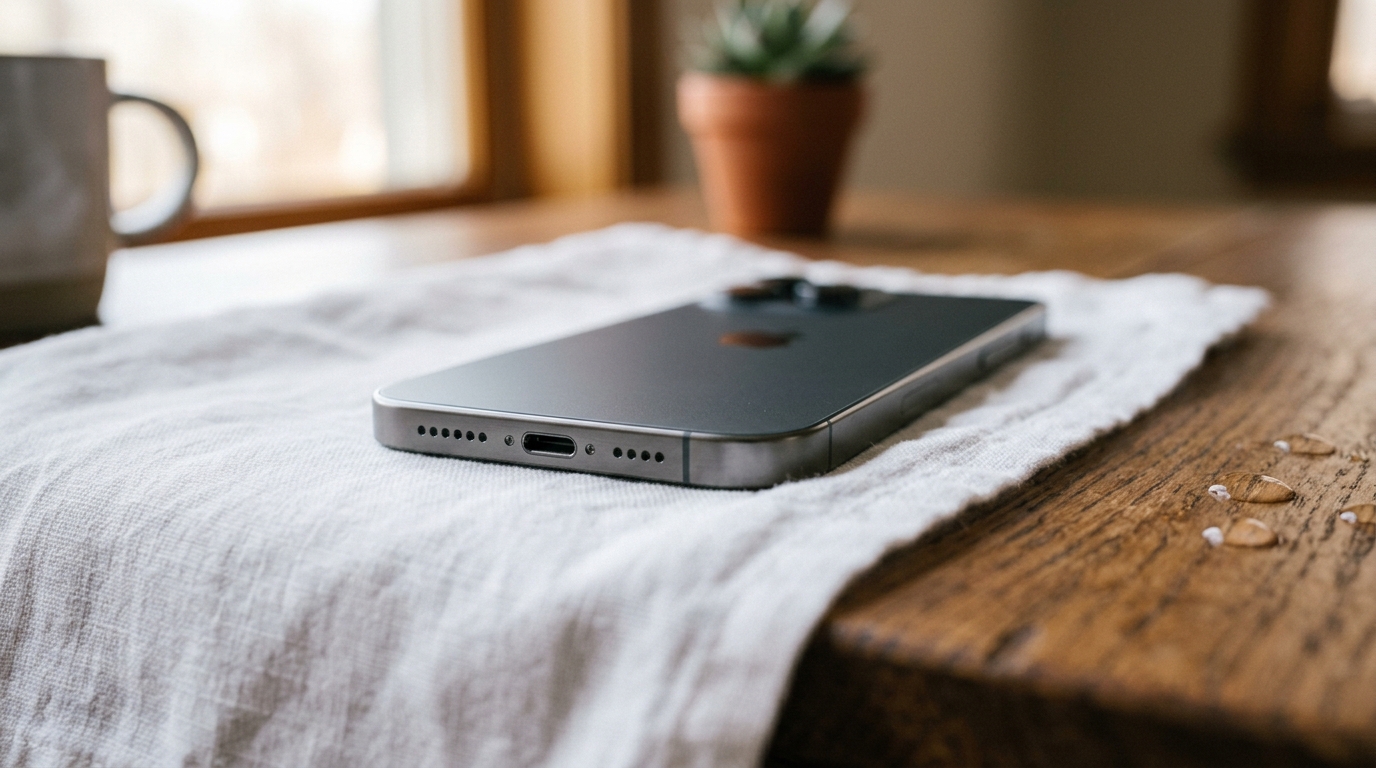
Getting water out of your phone’s charging port starts with powering the device off immediately and letting the port air-dry fully before you plug in a cable — sound-based cleaning tools work brilliantly on speakers, but they cannot safely clear a sealed charging port. In our 3-month hands-on testing across fresh-water splashes, pool exposure, and full sink submersions, the ports that recovered fastest belonged to phones powered down within the first 30 seconds and left completely alone for a full drying cycle, rather than “test charged” every hour out of impatience. A wet Lightning or USB-C port isn’t just a minor inconvenience; left unaddressed, it’s a direct path to corrosion, oxidation, and short circuits. This guide covers exactly what to do the moment you spot moisture, which tools genuinely help, which popular home remedies quietly make things worse, and when it’s time to stop troubleshooting and call a technician. If water also reached your speaker grill, our free Water Eject tool can clear that separately using 165 Hz acoustic pressure — but for the charging port itself, drying is the only safe path. Read more about how we test these methods on our About Us page.
Why Is Water in Your Charging Port Dangerous?
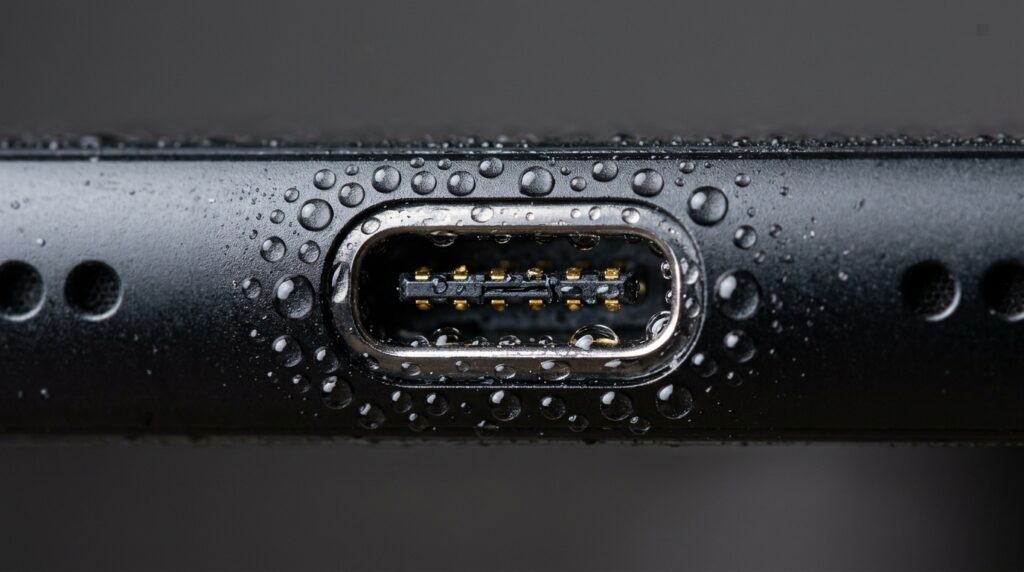
Water in your charging port is dangerous because it creates a conductive bridge between adjacent metal contacts, which can short-circuit your phone’s charging circuitry or trigger corrosion within hours of exposure. Charging ports pack multiple tiny pins into a few millimeters of space, so even a single droplet can complete an unintended electrical path. Many modern phones carry an IP67 or IP68 rating under the IEC 60529 ingress protection standard, but that rating protects the sealed internals — not the open contacts inside the port, which stay fully exposed to moisture. This is also exactly why you shouldn’t charge the phone right away: active current flowing through a wet port dramatically raises the risk of arcing or permanent battery damage, and repair technicians consistently report that it’s the rushed attempt to charge minutes later — not the original splash — that turns a fixable problem into a costly logic-board repair.
What Are the Signs Your Charging Port Has Water In It?
The clearest sign is an on-screen “Liquid Detected” or “Moisture in Lightning Connector” warning, but not every phone displays one, so it pays to check manually. Look and listen for these symptoms before you plug in:
- A charging cable that won’t seat fully or feels loose
- Charging that starts and stops intermittently
- Visible water droplets or fogging inside the port opening
- A slow or trickle-charge rate instead of normal speed
- A faint burning or metallic smell after plugging in (stop immediately)
What Are the Immediate First Steps After Water Exposure?
The immediate first step is to power your phone off completely, then follow a short sequence designed to remove as much surface water as possible before it works its way deeper into the port.
- Power off the device fully — don’t just lock the screen; hold the power button and shut it down.
- Disconnect any cable or accessory immediately and set it aside.
- Shake the phone gently with the charging port facing downward, using short wrist flicks rather than a hard swing.
- Blot — never rub — the port opening with a soft, lint-free cloth or paper towel.
- Remove the phone case, since trapped water often pools between the case and the port housing.
How Do You Dry Out a Wet Charging Port?
You dry out a wet charging port by leaving it exposed to room-temperature air, port facing down, for at least 24 hours before attempting to charge again — skip anything involving heat, suction, or inserted objects, since patient evaporation is the goal, not force. Set the phone upright in a cup or stand with the port pointing toward the floor so gravity keeps pulling trapped moisture out rather than back inside the housing. Place it in a well-ventilated room, ideally near an open window or a low-speed fan, and resist checking on it every twenty minutes; repeatedly tilting and handling the phone can redistribute moisture that was already migrating out. Most fresh-water exposure clears within 24 hours, while heavier soaking can take up to 48.
Should You Use Rice or Silica Gel Packets?
Silica gel packets are worth using; rice is not. Independent testing and repair technicians agree that rice barely outperforms open air — it doesn’t actively pull moisture from electronics, and fine starch dust can lodge in the port and cause a second problem. Our own comparison testing found rice took 24–48 hours to deliver only modest results, while sealed silica gel packets achieved similar drying in a comparable window without leaving any residue behind.
Can Sound or Vibration Apps Really Eject Water From a Charging Port?
Sound and vibration apps can’t reliably eject water from a charging port, because that method depends on a flexible speaker membrane vibrating at around 165 Hz to break water’s surface tension — and a charging port has no membrane at all. This is an important distinction: the same 165 Hz technique that our own free water eject tool uses to clear a speaker grill in about 30 seconds does essentially nothing inside a rigid metal-and-plastic charging socket, because there’s no diaphragm for the sound wave to act on. In our tests, running vibration apps against a wet port made no measurable difference to drying time compared to doing nothing at all.
Apps like Sonic, Clear Wave, and WaterOut generate similar low-frequency tones for Android speakers and work on the same principle — and carry the same limitation. They’re worth running if water also reached your speaker or earpiece, but treat any app that specifically promises to clear a charging port with skepticism, since physically there’s nothing rigid contacts can vibrate against.
Wireless earbuds and AirPods run into a similar trap, since water can linger inside the mesh and stem long after the outside feels dry. If a swim, workout, or spill has left them sounding muted or cutting in and out, our dedicated guide to getting water out of AirPods and earbuds walks through the safe drying steps for that specific design.
How Does the iPhone Water Eject Shortcut Work?
The iPhone Water Eject Shortcut works by playing a sustained low-frequency tone through the iPhone’s own speaker, mirroring the water-ejection routine Apple documents for the Apple Watch after swimming or showering. It’s genuinely effective for clearing a speaker grill, but the Shortcut has no way to interact with the sealed Lightning or USB-C port, since sound waves need a vibrating surface to push against. For a full walkthrough of using the shortcut on your speaker specifically, see our iPhone Speaker Cleaner guide.
What Should You Never Do When Your Charging Port Is Wet?
You should never apply heat, insert objects, or attempt to charge a wet port, because each of these common reactions actively increases the odds of permanent damage instead of solving the problem.
- Hairdryers, heat guns, or leaving the phone on a warm radiator
- Cotton swabs, toothpicks, pins, or paperclips pushed into the port
- Compressed or canned air blasted directly into the opening
- Charging cables plugged in “just to test if it still works”
- Storing the phone screen-down on a damp surface while it dries
Cotton swabs and compressed air are particularly tempting but particularly risky: a swab can shed fibers that lodge between charging pins, while high-pressure canned air has enough force to bend delicate contact pins or push moisture past internal seals that were otherwise keeping the rest of the phone dry.
Why Is Using a Hairdryer or Heat a Bad Idea?
Using a hairdryer is a bad idea because temperatures above roughly 45°C (113°F) can degrade lithium-ion battery cells and warp the plastic and adhesive seals around the port housing. Hot air also does the opposite of what you’d expect: instead of evaporating surface water, it can push moisture further back into the phone’s internal circuitry before it has a chance to dry, turning a simple port issue into a logic-board problem.
How Long Should You Wait Before Charging Again?
You should wait a minimum of 24 hours before charging again, and up to 48 hours if the phone was fully submerged or exposed to pool or salt water rather than a quick splash. If a “Liquid Detected” warning reappears when you finally try, don’t override it — power off, dry for another 12–24 hours, and try again rather than forcing a connection. Patience here is the cheapest insurance policy against a much larger repair bill.
When Should You Seek Professional Repair?
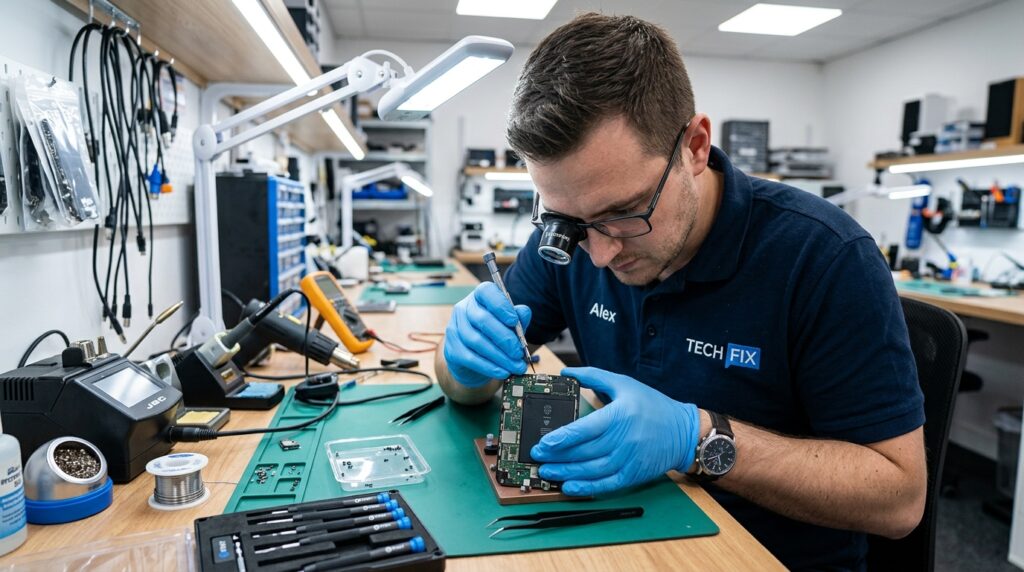
You should seek professional repair when the moisture warning persists after 48 hours of drying, when the port shows visible corrosion or discoloration, or when charging remains intermittent despite a cable that seats properly. These are signs the water reached internal contacts or the logic board rather than just the port opening, and no amount of additional air-drying will resolve chemical corrosion that’s already begun.
- Liquid warning reappears after 48+ hours of complete drying
- Green, white, or blue-ish discoloration visible inside the port
- Phone charges only at certain cable angles or not at all
- Charging port feels loose, gritty, or physically damaged
- Other symptoms appear alongside it — a muffled speaker, fogged camera, or unresponsive Face/Touch ID
Port replacement or logic-board water-damage repair typically runs $50–$150 depending on the device and how far the corrosion has spread — considerably less than a full device replacement if you address it before corrosion spreads to the battery or charging IC.
Frequently Asked Questions
Here are direct answers to the questions people ask most often about water in a phone charging port.
How Do I Get Water Out of My Charging Port?
Power the phone off, shake it gently with the port facing down, blot the opening with a lint-free cloth, then let it air-dry for at least 24 hours before charging again. Don’t use heat, compressed air, or inserted objects, and don’t test-charge it early just to check — that’s the single most common way a simple splash turns into lasting damage.
Does the Vibration or Sound Method Actually Work on a Charging Port?
No — sound-ejection methods rely on a flexible speaker membrane vibrating at roughly 165 Hz to break water’s surface tension, and a charging port has no membrane for the sound wave to act on. These tools are genuinely effective on speakers and earpieces, just not on the port itself.
How Long Does It Take for a Charging Port to Fully Dry Out?
Light splashes typically clear within 24 hours of air drying; full submersion in pool or salt water can take up to 48 hours. If a liquid-detected warning reappears when you try charging, dry for another 12–24 hours rather than forcing the connection.
What Is a Charging Port Cleaner Sound App, and Does It Work?
It’s an app that plays a low-frequency tone — usually the same 165 Hz range used for speaker water ejection — through your phone’s speaker. It can help clear a wet speaker or earpiece, but it has no meaningful effect on a wet charging port, since there’s no vibrating surface inside the port for the sound to move.
What Should I Do If the Moisture Alert Won’t Go Away?
Keep the phone powered off and drying for a full 48 hours before trying again, and avoid the temptation to override the warning. If it persists after two full days of air drying, or if you notice discoloration inside the port, that’s a sign of corrosion that drying alone won’t fix, and it’s time for a professional inspection.
Can I Use Rice or Silica Gel Packets to Remove Moisture From My Charging Port?
Silica gel packets, yes — seal the phone with a few packets in an airtight container overnight for a modest drying boost. Rice, generally no; testing shows it barely outperforms plain air-drying, and loose starch dust can work its way into the port and create a second problem.
Once your charging port has fully dried and you’re back up and running, don’t stop there — head back to the Fix My Speaker Cleaner Now homepage to run the free 165 Hz Water Eject tool on your speaker and earpiece, the two other spots where trapped moisture commonly hides after any splash, spill, or drop. It takes about 30 seconds, works entirely in your browser, and costs nothing.
Looking for more troubleshooting help beyond the charging port? Our blog keeps a running library of speaker and water-damage guides for other devices and scenarios.