
Fix My Speaker — Free Online
Speaker Cleaner & Water Eject Tool
Remove water, dust, and debris from your phone speaker instantly using proven sound wave technology. Works on iPhone, Samsung, AirPods, laptops, and all devices.
Sustained 165 Hz tone to push water droplets out of your speaker. Tilt your phone speaker-down for best results.
📱⬇️ Tilt your phone with the speaker facing downward — gravity helps water exit
What Is Speaker Cleaning with Sound?
Speaker cleaning with sound is a method that uses specific audio frequencies to remove water, dust, and microscopic debris trapped inside your phone or device speaker. If you are wondering how to fix phone speaker after getting wet, this sound cleaner is the safest approach. When water enters your speaker grill — whether from rain, a splash, sweat, or accidental submersion — it clings to the tiny mesh openings and the speaker membrane through surface tension. This trapped moisture muffles your audio, reduces call clarity, and can eventually cause corrosion if left untreated. Our tool acts as a powerful water ejector and water cleaner to help fix my speakers and clear speaker blockages instantly.
Our speaker cleaner tool generates precise low-frequency tones (primarily centered around 165 Hz) using the Web Audio API built into your browser. These tones cause the speaker membrane to vibrate rapidly, creating enough acoustic pressure to physically push water droplets out through the speaker grill. Think of it like shaking a wet cloth — except instead of shaking, the speaker membrane does microscopic vibrations thousands of times per second, breaking the surface tension that holds water in place.
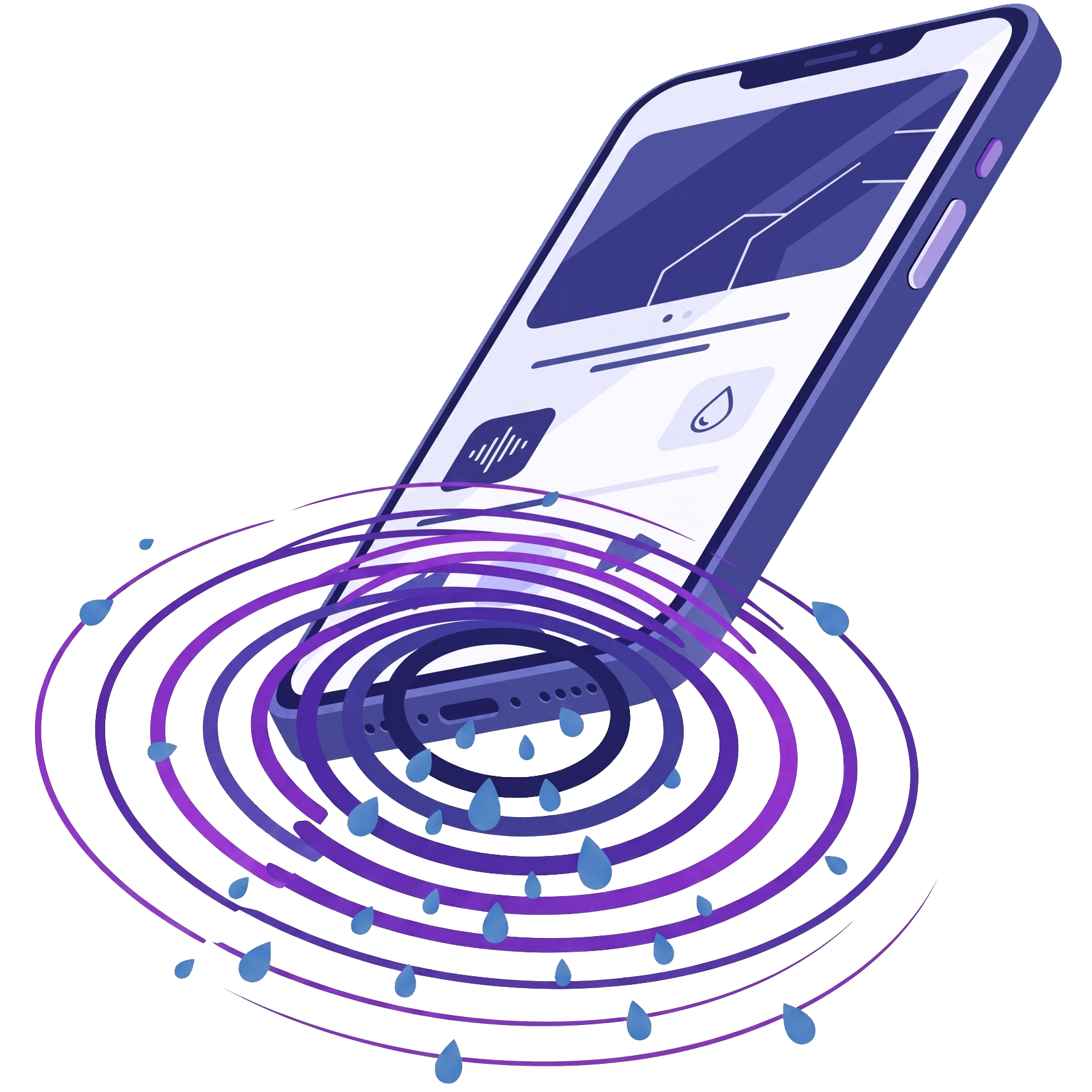
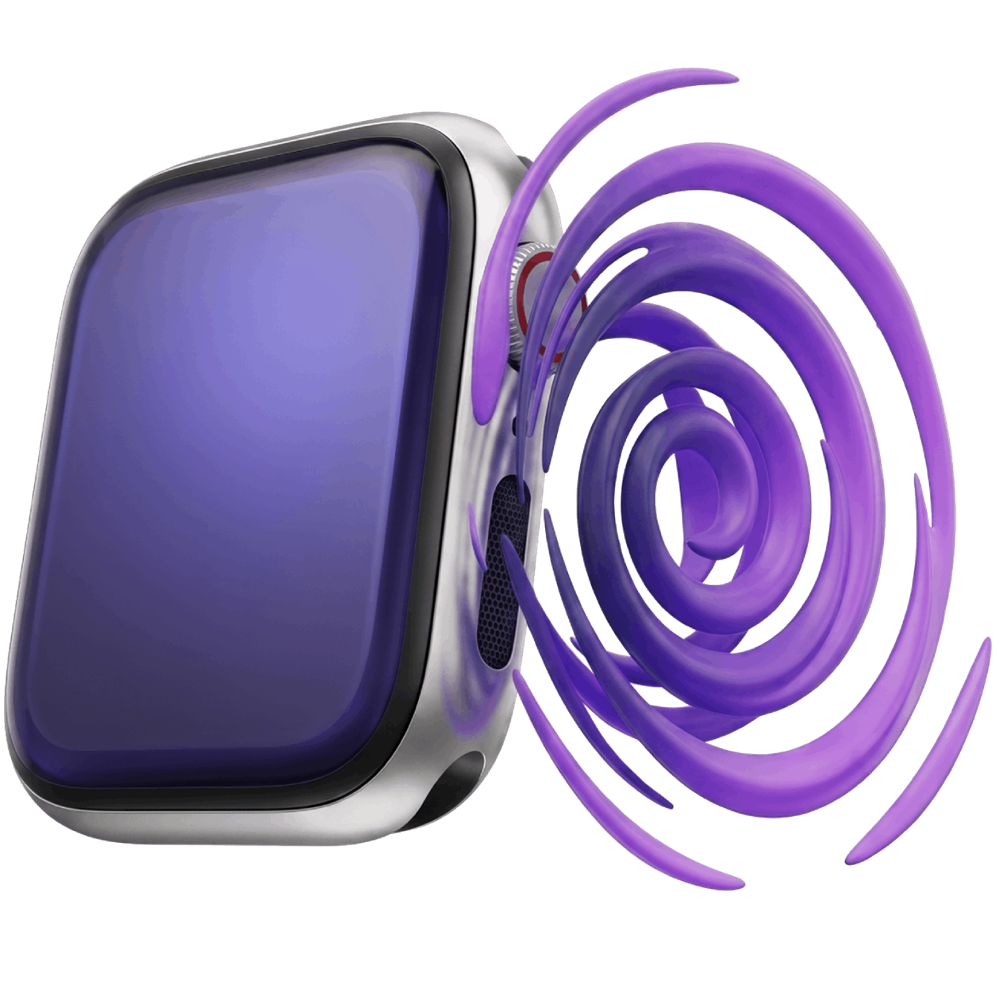
This is the same principle behind Apple’s built-in water eject feature on the Apple Watch. After swimming or showering, the Apple Watch plays a specific tone to force water out of its speaker opening. Our tool brings that exact same technology to every device with a speaker and a web browser — no app required, no downloads, completely free.
For dust and debris, the tool sweeps through a wider range of frequencies (200 Hz to 500 Hz and beyond). Different particle sizes respond to different vibration frequencies, so sweeping across the spectrum ensures that fine dust, lint, pocket debris, and even dried residue are dislodged from the speaker mesh. This is particularly useful for phones that have been in dusty environments, carried in lint-heavy pockets, or simply haven’t been cleaned in months.
How the Speaker Cleaner Tool Works
The science behind speaker cleaning is rooted in acoustic resonance and fluid dynamics. Understanding how it works will help you get the best results and know exactly what to expect.
Acoustic Pressure Generation
Low-frequency tones create rapid air pressure changes inside the speaker cavity, physically pushing water outward through the mesh.
Surface Tension Breaking
The 165 Hz vibration disrupts the surface tension that holds water droplets against the speaker membrane and grill openings.
Frequency Sweep Technology
Dust mode sweeps through 200–500 Hz to target particles of different sizes. Each frequency dislodges a different range of debris.
Apple Watch Proven Method
This technique mirrors Apple’s patented water ejection system used in every Apple Watch since Series 2, validated across millions of devices.
When you press Play, the tool creates an oscillator node using the Web Audio API — this is a pure tone generator built into every modern browser. The oscillator feeds into a gain node (which controls volume) and then into your device speakers. Unlike apps that play pre-recorded MP3 files, our tool generates tones in real time, giving you the flexibility to adjust frequency and duration on the fly. The real-time canvas visualization shows the actual waveform being generated so you can confirm the tool is working.
The Vibration Assist mode goes one step further by combining audio tones with your phone’s haptic motor (using the navigator.vibrate API). The physical vibration pulses every 500 milliseconds alongside the audio tone, providing a secondary mechanical force to dislodge stubborn water or debris. Note that this feature is only available on Android devices — iOS Safari does not support the vibration API, so the mode gracefully hides on iPhones and iPads.
How to Use the Speaker Cleaner: Step-by-Step Guide
Follow these steps for the best results when cleaning your speaker or ejecting water from your device.
Turn Your Volume to Maximum
The speaker cleaner needs full volume to generate enough acoustic pressure. Go to your device settings or use the physical volume buttons to set volume to 100%. This is essential — at lower volumes, the vibrations may not be strong enough to dislodge water.
Select the Right Cleaning Mode
Choose Water Eject if your phone recently got wet and sound is muffled. Choose Dust Removal if sound has gradually degraded over weeks or months. Use Vibration Assist (Android only) for stubborn blockages, and Manual Sweep to target specific frequencies for precision cleaning.
Position Your Device Speaker-Down
Tilt your device so the speaker grill faces toward the ground. Gravity works together with the sound frequency vibrations to pull water droplets and dislodged dust particles down and out of the speaker enclosure, preventing them from falling back inside.
Press Play and Let the Cycle Complete
Tap the Start Cleaning button and let the full cycle run. Water Eject mode runs for 30 seconds, Dust Removal for 35 seconds, and Vibration Assist for 25 seconds. Do not stop the cycle early — the full duration is calibrated to clear the most common blockage levels.
Repeat 2–3 Times if Needed
If your speaker still sounds muffled after the first cycle, run it again. For heavy water exposure (full submersion, pool water, or rain), we recommend running 3—4 back-to-back cycles. Alternating between Water Eject and Dust Removal modes can be particularly effective for clearing both moisture and the residue it leaves behind.
Speaker Cleaning Methods Compared
There are many popular methods for drying a wet phone or cleaning a speaker. Here is how they compare on effectiveness, speed, safety, and cost.
| Method | Effectiveness | Speed | Risk Level | Cost |
|---|---|---|---|---|
| 🔊 Sound Wave Tool (This Tool) | ⭐⭐⭐⭐⭐ Excellent | 30 seconds | ✅ None | Free |
| 🍚 Rice Method | ⭐⭐ Poor | 24–48 hours | ⚠️ Starch/dust enters ports | Free |
| 🌬️ Hairdryer | ⭐⭐⭐ Moderate | 5–10 minutes | 🔴 Heat damage risk | Free |
| 🛍️ Silica Gel Packets | ⭐⭐⭐ Moderate | 12–24 hours | ✅ None | $2–$5 |
| 💨 Compressed Air | ⭐⭐⭐⭐ Good | 1–2 minutes | ⚠️ Can push debris deeper | $5–$10 |
| 🔧 Professional Repair | ⭐⭐⭐⭐⭐ Excellent | 1–3 days | ✅ None | $20–$80 |
The rice method is perhaps the most widespread piece of phone rescue advice, yet multiple studies and repair technicians have confirmed it is largely ineffective. Rice does not actively draw moisture out of electronics — it simply provides a dry environment that allows very slow evaporation. Worse, fine rice starch and dust particles can enter your charging port and speaker grill, causing additional problems. Sound-based cleaning provides immediate, active moisture removal without any of these risks.
Professional repair is the gold standard for confirmed physical damage, but for the vast majority of water-in-speaker situations — splashes, rain, brief submersion of water-resistant phones — the sound wave method resolves the issue instantly at no cost. Certified technicians usually replace the physical speaker component when hardware is torn or shorted, which can take several days and cost up to $80. Using our free online speaker cleaner tool first provides immediate acoustic water ejection, safely restoring your phone speaker volume before spending money on unnecessary hardware repairs.
Device Compatibility
The Fix My Speaker Cleaner Now tool works on any device with a speaker and a modern web browser that supports the Web Audio API. As a versatile mobile speaker cleaner, this includes virtually every smartphone, tablet, laptop, and Bluetooth speaker manufactured in the last five years. Whether you need to fix speaker iphone models or clear water from an Android device, the acoustic method is universally compatible.
For earbuds and AirPods, simply connect them to your device via Bluetooth, then run the speaker cleaner tool. The tones will play through the earbuds, cleaning their individual speakers directly. This is especially effective for removing earwax buildup and sweat moisture that accumulates during workouts and daily use.
📱 Apple / iPhone
- iPhone 16 Pro Max
- iPhone 16 Pro
- iPhone 16
- iPhone 15 Pro Max
- iPhone 15 Pro
- iPhone 15
- iPhone 14 Pro
- iPhone 14
- iPhone 13
- iPhone 12
- iPhone SE
- iPad Pro & iPad Air
- And All Other Apple Devices
📱 Samsung Galaxy
- Galaxy S25 Ultra
- Galaxy S25
- Galaxy S24 Ultra
- Galaxy S24
- Galaxy S23
- Galaxy A55
- Galaxy A35
- Galaxy A15
- Galaxy Z Fold
- Galaxy Z Flip
- Galaxy Tab S9
- Galaxy Tab Active
- And All Other Samsung Models
📱 Other Android
- Google Pixel 9
- Google Pixel 8
- Google Pixel 7
- OnePlus 13
- OnePlus 12
- Xiaomi 14
- Redmi Note 13
- POCO X6
- Realme GT
- Vivo X100
- Nothing Phone 2
- Motorola Edge
- And All Other Android Phones
🎧 Earbuds & Speakers
- AirPods Pro
- AirPods Max
- AirPods (All Gen)
- Galaxy Buds Pro
- Sony WF-1000XM5
- JBL Flip & Charge
- Bose SoundLink
- Beats Studio Buds
- MacBook Pro & Air
- Windows Laptops
- Chromebooks
- Smart TVs & Monitors
- And All Other Audio Devices
Not All Water Damage Is Equal
The type of water your speaker was exposed to significantly affects both the cleaning process and the potential for lasting damage. Understanding these differences helps you choose the right response.
✅ Fresh Water (Rain, Tap, Drinking Water)
Lowest risk. Fresh water leaves minimal residue after evaporation. The speaker cleaner tool is highly effective here — run 1–2 cycles of Water Eject mode immediately after exposure, and sound quality typically returns to normal within minutes. Act quickly, because even fresh water can cause corrosion over time if left sitting on metal components and electrical contacts. Running low-frequency sound waves early breaks trapped surface tension before mineral deposits can form.
⚠️ Pool / Chlorinated Water
Moderate risk. Chlorine and other pool chemicals can leave a film on the speaker membrane that affects sound even after the water itself evaporates. Run 3—4 cycles of Water Eject followed by Dust Removal mode to address both the moisture and any chemical residue. If sound remains affected after multiple cycles, the chemical film may need professional cleaning. Using frequency sweeps dislodges fine chemical particles trapped within the acoustic mesh grill.
🔴 Salt Water (Ocean, Sea Spray)
Highest risk. Salt is corrosive and crystallizes as it dries, creating conductive bridges between electronic components. Use the speaker cleaner tool immediately to eject as much saltwater as possible, but understand that salt crystal buildup may require professional cleaning. If possible, gently rinse the speaker area with distilled water before using the tool — this dilutes the salt concentration before the drying process creates permanent deposits.
7 Warning Signs Your Speaker May Be Physically Damaged
The speaker cleaner tool effectively resolves water and dust blockages, but it cannot repair physical damage. If you notice any of the following symptoms, your speaker may need professional repair rather than cleaning.
🔴 Persistent crackling or popping at any volume — This usually indicates a torn or distorted speaker membrane. The diaphragm (the thin material that vibrates to produce sound) may have been physically damaged by pressure, impact, or prolonged water exposure.
🔴 Complete silence from one speaker — If one speaker produces no sound at all while the other works normally, the voice coil (the electromagnetic component that drives the membrane) may have burned out or disconnected internally. Active sound frequency cycles cannot restore electrical voice coil connections.
🔴 Static or buzzing that worsens when you press on the phone — Pressure-sensitive static suggests a loose internal connection, often caused by a drop or impact that shifted the speaker assembly inside its housing. Physical hardware realignment requires disassembly.
🔴 Bass has completely disappeared — The low-frequency response is the first thing to degrade when a speaker membrane is compromised. If music sounds tinny and hollow with no bass at all, the membrane may have lost its elasticity or sustained micro-tears.
🔴 Call audio works but media audio does not (or vice versa) — Most phones have separate speakers for calls (earpiece) and media (loudspeaker). If one works and the other does not, the issue is isolated to a specific speaker component rather than a general blockage.
🔴 Distortion that gets progressively worse over days — Gradual degradation after water exposure is a sign of active corrosion on the speaker contacts or voice coil. This is an ongoing chemical reaction that acoustic cleaning alone cannot halt.
🔴 Visible corrosion or discoloration around the speaker grill — Green or white mineral deposits visible around the speaker mesh indicate advanced corrosion. At this point, the internal components have likely sustained damage that requires replacement rather than cleaning.
If you are experiencing one or more of these symptoms, we recommend trying the speaker cleaner tool first (it takes only 30 seconds and cannot cause any additional damage), but be prepared that professional repair may be necessary. A phone repair shop typically charges $20–$80 for speaker replacement, depending on the device model — significantly less than a full phone replacement.
When This Tool Cannot Help
We believe in setting honest expectations. The Fix My Speaker Cleaner Now tool is highly effective for what it does — removing water, dust, and light debris from speakers using sound waves. However, there are situations where it will not solve the problem, and it is important to recognize them so you can take the right action.
This tool will not fix:
A muffled or crackling speaker reduces your phone’s trade-in value by $20—$50 on average. If the speaker cleaner tool does not resolve your issue after 3—4 cycles, investing in professional repair early is almost always more cost-effective than waiting for the problem to worsen.
DIY Speaker Cleaning vs. Professional Repair
Knowing when to handle the fix yourself and when to seek professional help can save you both money and frustration. Here is a clear breakdown.
✅ Try DIY (This Tool) When:
🔧 Go Professional When:
3 Dangerous Mistakes to Avoid
When dealing with water in your phone, well-intentioned actions can sometimes make things worse. Avoid these common mistakes that phone repair technicians see regularly.
❌ Mistake 1: Using a Hairdryer or Heat Gun
Applying direct heat to your phone with a hairdryer or heat gun can warp internal waterproof adhesives, damage lithium-ion battery cells, and melt delicate plastic acoustic membranes near the speaker housing. Phone batteries are extremely sensitive to thermal stress — exposure to temperatures above 45°C (113°F) can trigger permanent battery capacity degradation or thermal runaway hazards. Furthermore, blowing hot air pushes surface moisture deeper into internal phone circuitry instead of evaporating it safely from the speaker cavity.
❌ Mistake 2: Inserting Objects Into the Speaker Grill
Pushing toothpicks, pins, compressed air nozzles, or cotton swabs into the speaker grill can puncture the membrane, push debris deeper into the speaker cavity, or break the delicate mesh covering. The speaker membrane is thinner than a sheet of paper — even gentle pressure from a pointed object can cause permanent damage. High-pressure canned air can tear internal acoustic seals. Acoustic frequency sweeps dislodge debris safely from the outside without physical contact.
❌ Mistake 3: Putting Your Phone in Rice
Despite being the most popular emergency phone-drying advice on the internet, placing your phone in rice is largely ineffective and can actually introduce new problems. Rice does not actively absorb moisture from electronics — it absorbs humidity from the surrounding air at roughly the same rate as open air alone. Meanwhile, fine rice starch and dust particles can enter your charging port, headphone jack, and speaker grill, causing additional blockages. Use the sound-based tool instead for immediate, active moisture removal.
Emergency Guide: Phone Fell in Water — What to Do Right Now
Time is critical. The faster you act, the less likely water damage will become permanent. Follow these steps in order.
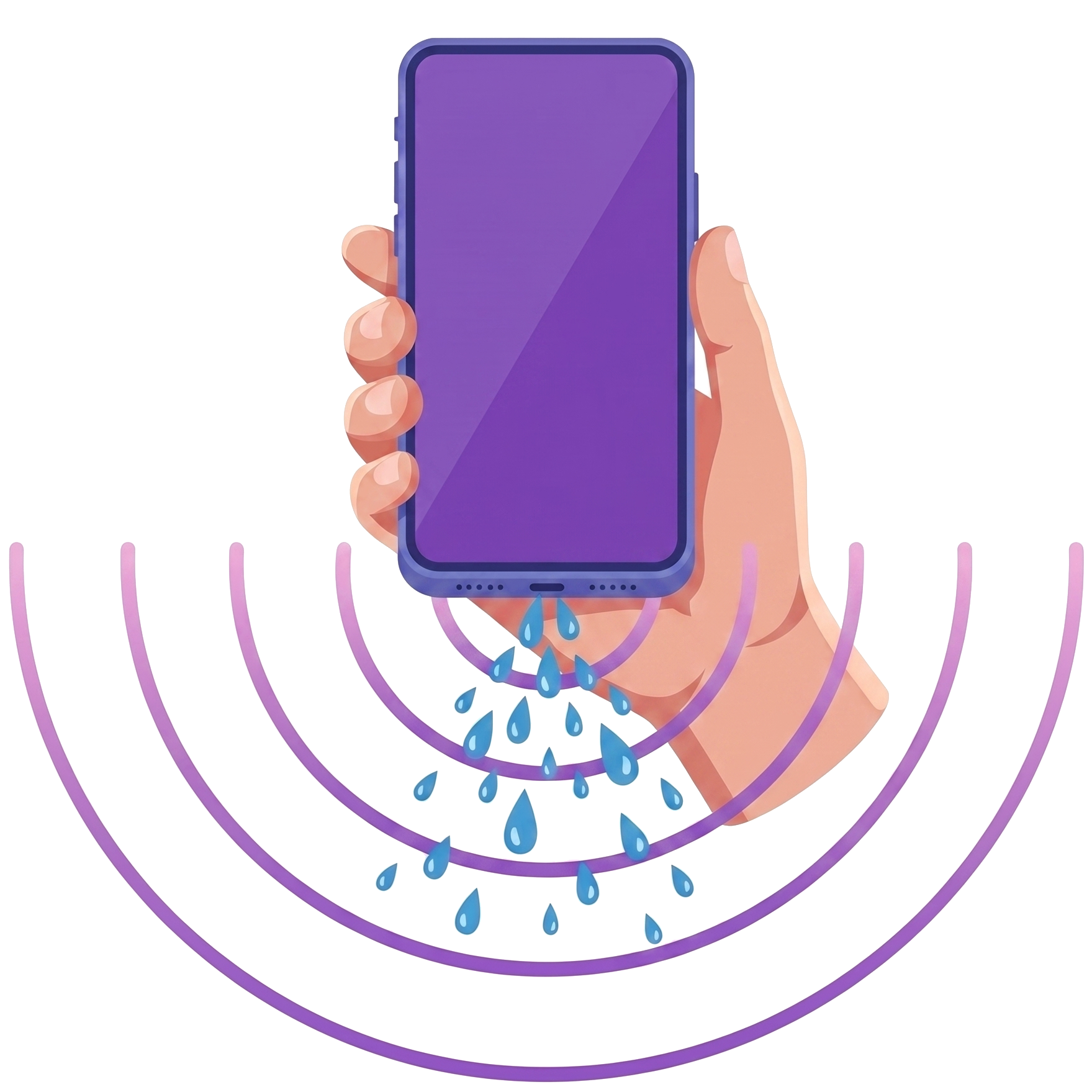
How to Get Water Out of Your Phone
Whether you need to perform an iphone water eject or figure out how to clean a speaker on an iphone, the process is straightforward.
🍎 iPhone Speaker Cleaner
For Apple users searching how to clean iphone speaker or looking for an iphone speaker cleaner tool, our Web Audio approach is perfect. Safari on iOS fully supports the 165 Hz water eject iphone frequency. Just open this page on your iPhone, turn the volume to max, and run the water removing sound. It works on all models including all Iphones.
🔌 Charging Port Care
If you are also wondering how to get water out of charging port, be aware that sound waves only clean the speakers. For the charging port (Lightning or USB-C), you must let it air dry. Do not plug in a charger if you see a “Liquid Detected” warning. Shake the phone gently with the port facing down, then leave it in a well-ventilated area.
Speaker Maintenance Tips: Keep Your Sound Crystal Clear
Prevention is always easier than repair. Following a simple maintenance routine will keep your speakers performing at their best and extend the lifespan of your device audio.
Frequently Asked Questions
Everything you need to know about using the Fix My Speaker Cleaner Now tool.
Yes, the Fix My Speaker Cleaner Now tool is 100% free to use with no limits. There are no hidden fees, no premium tiers, and no app downloads required. It runs entirely in your web browser using the Web Audio API. You can use it as many times as you want, on as many devices as you need, without ever paying anything.
Yes, completely safe. The frequencies used (primarily 165 Hz for water ejection) are well within the normal operating range of phone speakers — your speaker handles these frequencies every time you listen to music with bass. This is the same principle Apple uses in the Apple Watch’s built-in water eject feature. The sound waves create controlled vibrations that push water droplets out without damaging the speaker membrane.
The 165 Hz tone is a specific low-frequency sound that creates rapid vibrations in your speaker membrane. At this frequency, the membrane oscillates approximately 165 times per second, generating enough acoustic pressure to break the surface tension holding water droplets against the speaker grill and push them outward. It is the same frequency range that Apple uses in the Apple Watch water eject feature, validated across millions of devices worldwide.
The tool works on any device with a speaker and a modern web browser. This includes all iPhone models (12 through 16 and SE), Samsung Galaxy S and A series, Google Pixel, Xiaomi, Redmi, POCO, OnePlus, Realme, Vivo, Nothing Phone, AirPods, Galaxy Buds, Sony earbuds, JBL Bluetooth speakers, laptops (MacBook, Windows, Chromebook), and tablets. If your device can play audio through a browser, this tool will work on it.
Yes, if you can’t hear phone calls clearly, our call speaker cleaner frequencies are designed to target the upper earpiece as well as the bottom loudspeaker. Just run the Sound Cleaner tool while holding the earpiece facing downward to let gravity help clear speaker blockages.
For preventive maintenance, running the Dust Removal mode once every 2–4 weeks is ideal. If you notice any muffled sound or reduced volume, use the tool immediately. After any water exposure — even a small splash — run the Water Eject mode right away. The sooner you remove trapped water, the better your results and the lower the risk of corrosion.
If your speaker still sounds muffled after 3—4 cycles, the issue may be physical damage rather than water or dust blockage. Signs of physical damage include persistent crackling at any volume, complete silence from one speaker, or distortion that worsens over time. In these cases, we recommend visiting a professional phone repair shop. Speaker replacement typically costs $20–80 depending on the device model.
No. This tool simply plays sound through your existing speaker — the same thing that happens when you play music or take a phone call. It does not modify your hardware, install any software, or access any permissions. There is nothing for a warranty to be voided by. It is no different from playing a bass-heavy song at full volume.
Yes, and water-resistant phones (IP67/IP68 rated) actually benefit the most from this tool. Water resistance means the internal electronics are sealed — but water still gets trapped in the external speaker mesh and grill openings. That trapped water muffles your sound, and this tool removes it. The water resistance rating protects the inside of your phone; this tool cleans the outside entry points where water gets stuck.
No. Fix My Speaker Cleaner Now works entirely in your web browser. There is no app to download, no account to create, and no permissions to grant. Just open this page, select your cleaning mode, press Play, and the tool generates the cleaning tones directly in your browser using the Web Audio API. It works on Safari, Chrome, Firefox, Edge, Samsung Internet, and all other modern browsers.
Yes. Connect your earbuds or AirPods to your device via Bluetooth, then run the Water Eject or Dust Removal mode. The sound will play through the earbuds, cleaning their speakers directly. This is especially useful for AirPods and Galaxy Buds that frequently accumulate earwax and moisture from daily use. The small speaker drivers in earbuds respond very well to the low-frequency cleaning tones.
To safely get water out of your phone, avoid using heat sources like hairdryers or sticking objects into the ports. Instead, gently shake the phone with ports facing down, wipe the exterior, and use a water remover sound tool (like this one) to vibrate the remaining water out of the speaker mesh.
The optimal water remove sound is a sustained 165 Hz sine wave tone. This specific low-frequency water sound creates the exact acoustic pressure required to break the surface tension of water droplets trapped in tiny speaker meshes, acting as an invisible water ejector.
About Fix My Speaker Cleaner Now
Fix My Speaker Cleaner Now is a free, browser-based tool designed to help anyone with a water-damaged or dust-clogged speaker fix the issue instantly without needing to download an app, visit a repair shop, or spend any money. The tool uses the Web Audio API to generate precise sound frequencies that physically push water and debris out of your speaker — the same proven technology behind Apple Watch’s built-in water eject feature.
This tool does not access your microphone, camera, or any personal data. It does not store cookies for tracking purposes. It simply plays sound through your speaker. Your privacy is fully protected because there is literally nothing to collect — the entire tool runs locally in your browser with zero data transmission.
Whether you dropped your iPhone in the sink, got caught in the rain with your Samsung Galaxy, or your AirPods sound dull after a workout, Fix My Speaker Cleaner Now is here to help. Bookmark this page for instant access whenever you need it — because water emergencies do not wait for app downloads.

Written & Built by Sami Ullah
VERIFIEDSenior Software Engineer · 10+ Years in Tech
Sami Ullah is a professional software engineer and full-stack web developer with over a decade of hands-on experience in the technology industry. He specializes in building high-performance web applications, browser-based tools, and mobile-first user experiences using modern JavaScript, Web APIs, and responsive design systems. Sami has worked across diverse domains including SaaS platforms, e-commerce solutions, and developer tooling — shipping products used by thousands of users worldwide.
With deep expertise in front-end architecture, audio processing APIs, and technical SEO, Sami built Fix My Speaker Cleaner Now to provide a genuinely useful, privacy-respecting alternative to the app-download-heavy solutions that dominate this space. Every line of code, every frequency calibration, and every piece of content on this site is informed by real engineering knowledge — not marketing fluff.
Last updated: July 2026 · Based in Pakistan · Read Full About Us Page → · contact@fixmyspeakercleanernow.com