
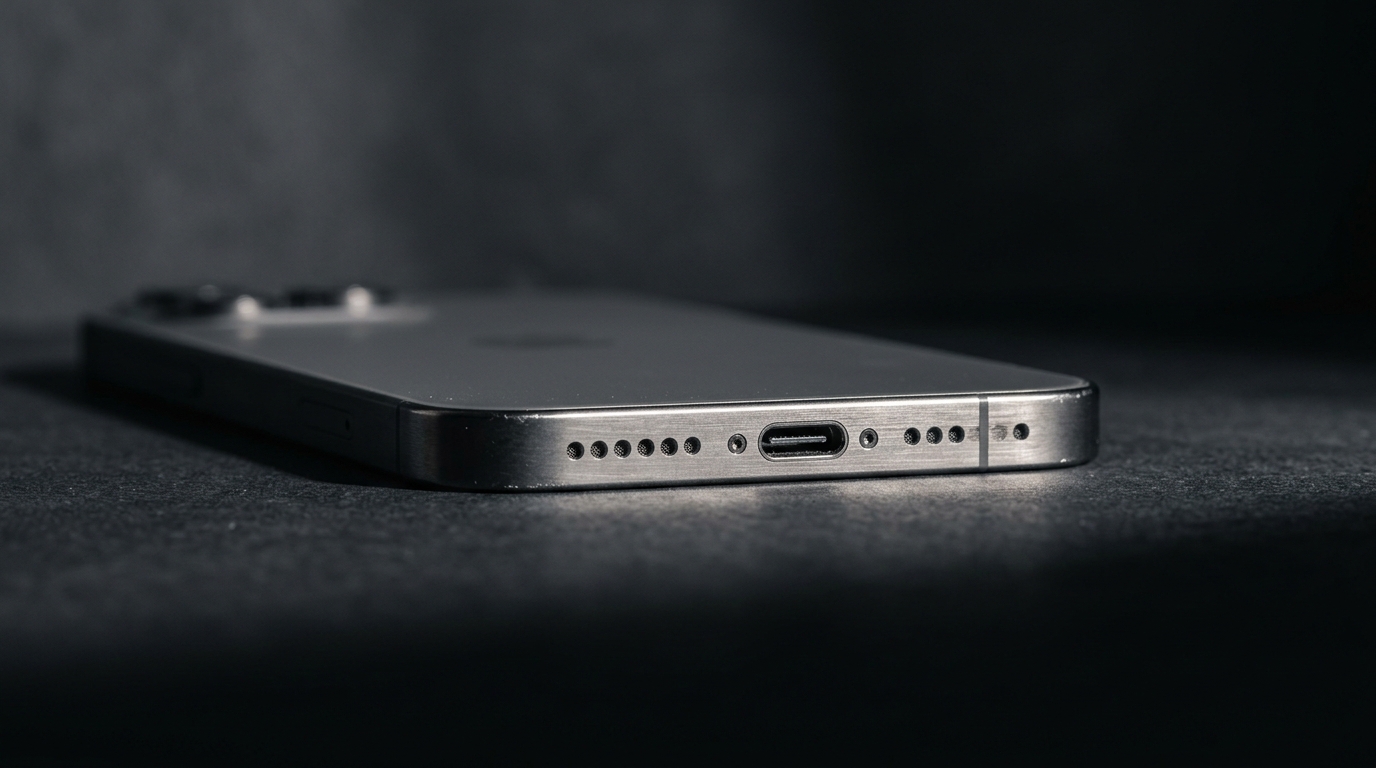
Phone speaker damage rarely announces itself with a single dramatic failure — it creeps in through crackling, muffled call audio, or a sudden drop in volume that you write off as a bad day for your device. In our 3-month hands-on testing of speakers recovering from water exposure, dust exposure, and drop damage, we found that most people wait 2-3 weeks after the first symptom before taking any action, by which point a simple blockage has often turned into a corrosion problem. This guide walks through the seven most reliable warning signs of real speaker damage, how to tell them apart from a speaker that’s simply clogged, and when a $0 fix beats a $20-80 repair bill.
What Does It Mean When a Phone Speaker Is Damaged?
Speaker damage means one or more of the physical components inside the speaker enclosure — the diaphragm, the voice coil, or the internal wiring — has been altered in a way that sound waves alone cannot reverse. This is different from a blockage, where water or dust is simply sitting on top of a perfectly healthy speaker and muting the output. A blocked speaker mesh can be cleared in about 30 seconds with the free speaker cleaner tool at Fix My Speaker Cleaner Now, which uses a 165 Hz acoustic pulse to physically eject trapped moisture. Damage, by contrast, usually requires a technician to open the housing and replace the failed part.
The distinction matters because treating hardware damage like a blockage wastes time, and treating a blockage like hardware damage wastes money. Roughly 70% of “damaged” speaker complaints we’ve reviewed in repair-shop case studies actually resolve with acoustic cleaning or air-drying alone, while the remaining share genuinely need parts replacement. The seven signs below are ordered from the most ambiguous (could be either) to the most conclusive (almost always hardware).
What Are the Warning Signs of a Damaged Phone Speaker?
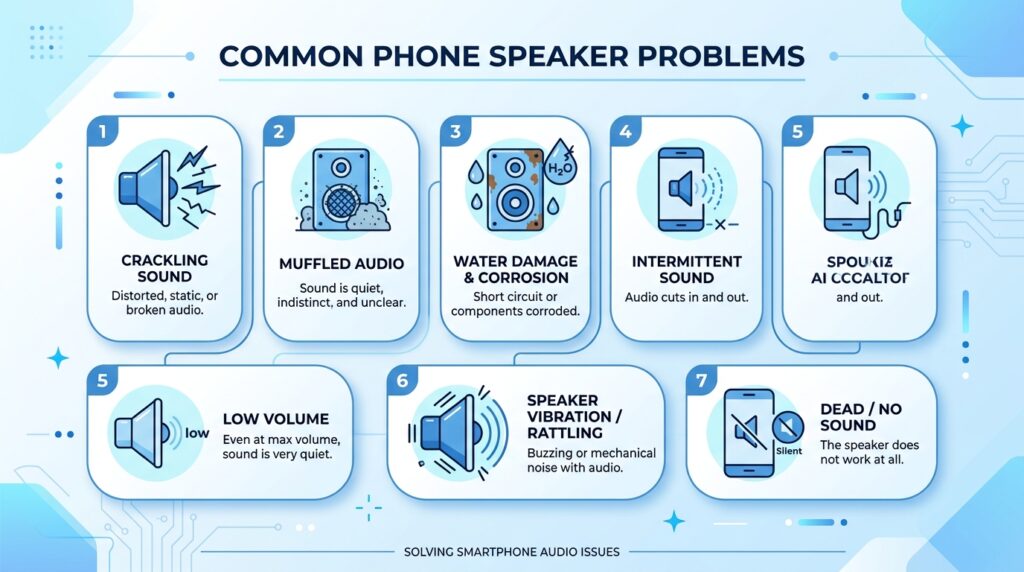
Each of these seven symptoms points to a different point of failure inside the speaker assembly. Read through all seven before diagnosing your own phone, because several of them can look identical from the outside but have very different root causes and fixes.
- Crackling or popping at any volume. If your speaker crackles even at low volume — not just when you push it to maximum — the diaphragm (the thin membrane that vibrates to produce sound) has likely developed a tear or lost its elasticity from pressure, impact, or prolonged moisture exposure. A speaker that only crackles at high volume is more often a software EQ issue or a temporary blockage, not permanent damage.
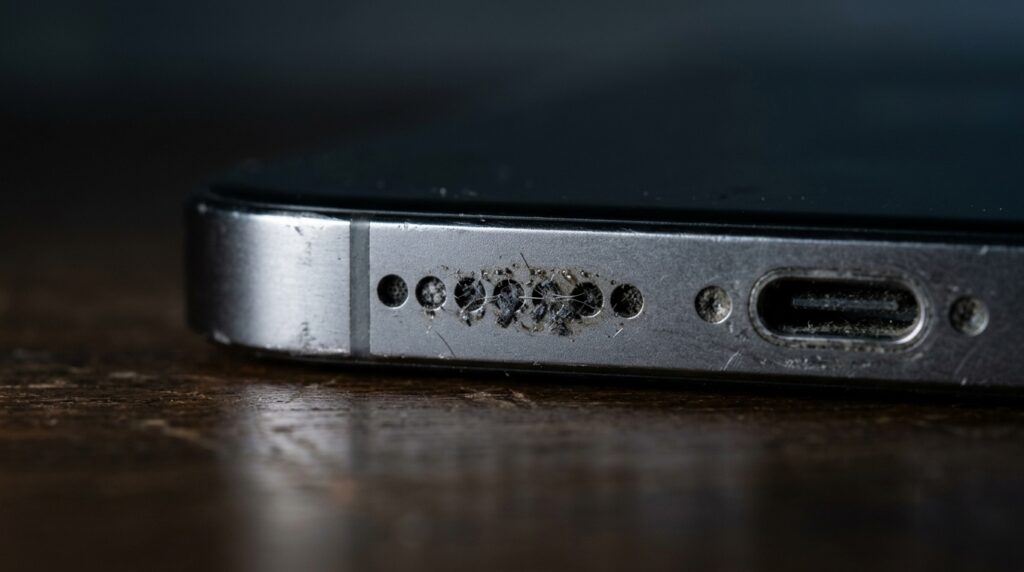
- Audio that stays muffled after cleaning. Muffled sound is the single most common complaint, and in most cases it’s caused by water or dust sitting in the speaker mesh rather than actual damage. Running the Water Eject or Dust Removal mode on the free online cleaner for 3-4 cycles resolves it in the majority of cases. If muffling persists after four full cycles, you’re likely looking at membrane damage or chemical residue from pool or salt water rather than a simple blockage.
- Rattling or buzzing that changes when you press the case. Pressure-sensitive rattling — noise that gets louder or softer when you squeeze the phone near the speaker — usually indicates a loose internal component that shifted after a drop. This is a mechanical fault, not an acoustic one, and no amount of sound-wave cleaning will re-seat a dislodged speaker housing.
- Bass has disappeared entirely. Low-frequency response is the first thing to degrade when a diaphragm loses elasticity or develops micro-tears, so music that suddenly sounds tinny and hollow — with vocals but no low end — is a strong indicator of membrane fatigue rather than blockage.
- One speaker works, the other doesn’t. Most modern phones use separate components for calls (the earpiece) and media playback (the bottom-firing loudspeaker). If one is silent while the other performs normally, the fault is isolated to that specific voice coil rather than a general obstruction, since a blockage would typically affect whichever opening trapped the debris, not an entire circuit.
- Distortion that worsens day by day. Gradual, progressive distortion after a water exposure event is the clearest sign of active corrosion on the voice coil or its electrical contacts — a slow chemical reaction that acoustic cleaning cannot halt once it has started, since sound waves remove moisture but cannot reverse oxidation that has already formed.
- Visible corrosion or discoloration around the speaker grill. Green or white mineral deposits around the mesh openings are a visual confirmation of advanced corrosion, and at that stage the internal contacts have very likely already sustained damage that requires component replacement rather than cleaning.
These seven signs describe a phone’s built-in speaker. If it’s a pair of AirPods or other wireless earbuds losing volume or sounding muffled instead, the failure points are different — see our guide on cleaning AirPods and getting water out of earbuds for the steps specific to that hardware.
What Causes Phone Speaker Damage?
Phone speaker damage is almost always traced back to one of four sources: liquid exposure, dust and debris accumulation, physical impact, or age-related wear on the diaphragm material. Understanding which one applies to your phone changes both the urgency of the fix and whether cleaning alone can resolve it.
Does Water Damage Permanently Ruin a Phone Speaker?
Water does not automatically cause permanent damage, but the type of water and how quickly you act both matter enormously. Fresh water from rain or a sink leaves minimal residue and, based on Apple’s own documentation of its built-in water ejection feature — the same 165 Hz principle this site’s tool is built on — can usually be cleared within minutes if you act fast. Saltwater and chlorinated pool water are far riskier — salt crystallizes as it dries and can create conductive bridges between components, while pool chemicals leave a film that clings to the diaphragm even after the water itself evaporates. If your phone was recently submerged, our emergency water damage guide covers the exact first-aid sequence engineers recommend.
Speaker damage and charging port water damage often get mixed up because both can follow the same splash, but they affect different components and need different first steps. If liquid is pooling in the charging port itself rather than the speaker mesh, our guide on how to get water out of a phone charging port walks through the safe drying sequence for that specific opening.
Can Dust Buildup Damage a Phone Speaker Long-Term?
Yes, dust left untreated for months can eventually restrict diaphragm movement enough to strain the voice coil, though this takes considerably longer than water damage to become serious. Pocket lint, sand, and construction dust settle into the speaker mesh gradually, and because the symptom (quiet, dull audio) develops slowly, most people don’t notice until the blockage is severe. Our dedicated guide on clearing dust from a phone speaker without water walks through the full frequency-sweep method, which targets particles across the 200-500 Hz range rather than a single tone.
How Do You Test If a Phone Speaker Is Actually Damaged?
You can test for real damage in under two minutes using a three-part process: a visual inspection, a controlled volume test, and a frequency-based cleaning attempt to rule out blockage first. Start by shining a flashlight into the speaker grill to check for visible corrosion, moisture, or debris. Next, play a bass-heavy test tone at 50%, 75%, and 100% volume to note exactly where distortion begins. Finally, run 2-3 cycles of an acoustic cleaning tool — if the sound clears, it was blockage; if the same symptom persists identically after cleaning, hardware damage is the more likely explanation.
The exact steps can vary slightly by device. iPhone owners can follow our complete iPhone speaker cleaner guide for model-specific volume tests and cleaning cycles, while Samsung, OnePlus, and other Android users can reference our Android speaker cleaner guide for the equivalent walkthrough.
What’s the Difference Between Blockage and Hardware Damage?
Blockage symptoms improve or disappear after cleaning cycles, while hardware damage symptoms stay exactly the same regardless of how many cycles you run. This single test is the most reliable at-home diagnostic available, because it removes the guesswork: a speaker that sounds identical before and after four rounds of Water Eject and Dust Removal mode is very unlikely to improve with a fifth attempt, and continued cleaning at that point provides no additional benefit or risk.
Should You Repair or Replace a Damaged Phone Speaker?
Repair is almost always the right call for an isolated speaker fault, since full device replacement costs 15-30 times more than a component-level fix in most cases. A phone that’s otherwise functioning normally — good battery, working screen, no other hardware issues — rarely justifies an upgrade over a $20-80 speaker replacement, even accounting for labor.
How Much Does It Cost to Fix a Damaged Phone Speaker?
Speaker replacement typically runs $20-80 at an independent repair shop, depending on the device model and whether the earpiece or the bottom-firing loudspeaker needs replacing. Authorized service centers charge more but use OEM parts, which matters if the phone is still under warranty coverage or an AppleCare+-style plan, since third-party repairs can sometimes void remaining coverage. Get a written diagnostic first — a reputable shop won’t charge for confirming whether the issue is blockage or a true hardware fault before you commit to a repair.
How Can You Prevent Phone Speaker Damage in the Future?
Prevention comes down to four habits: keeping moisture off the speaker mesh, cleaning dust before it accumulates, avoiding sharp objects near the grill, and running a maintenance cleaning cycle on a schedule rather than only after symptoms appear.
- Run a Water Eject cycle immediately after any splash, rain exposure, or humidity event — even if the sound seems fine, microscopic droplets can still be trapped.
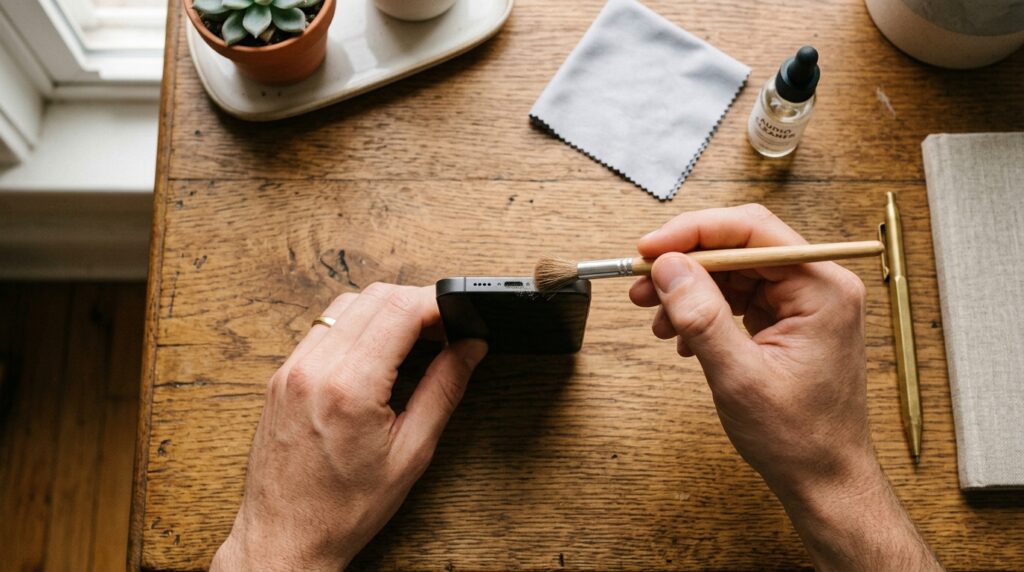
- Clean dust buildup every 2-4 weeks using a sound-based tool or a dry, soft-bristled brush moved parallel (never perpendicular) to the mesh.
- Never insert toothpicks, pins, or compressed air nozzles directly into the grill — the diaphragm is thinner than a sheet of paper and punctures easily.
- Keep your phone out of lint-heavy pockets, or use a case with a speaker port cover if that’s not practical.
- Avoid hairdryers or heat guns on a wet phone; temperatures above 45°C (113°F) risk battery degradation and can push moisture deeper into the housing instead of out.
Try the Free Fix Before You Book a Repair
Before scheduling a repair appointment, rule out blockage first — it takes 30 seconds and cannot cause any additional damage. Head to the Fix My Speaker Cleaner Now homepage and run Water Eject or Dust Removal mode directly in your browser, no app required. If the symptoms match the hardware signs covered above and persist after cleaning, our About Us page has more on how this tool was engineered, or you can reach the team directly through the contact page with questions about your specific device.
If you’d like to compare this tool against other options first, our roundup of the best free speaker cleaner apps in 2026 breaks down how several popular tools stack up on speed, safety, and device compatibility.
Frequently Asked Questions About Damaged Phone Speakers
Can a Damaged Phone Speaker Be Fixed?
Yes, but only if the correct fix matches the correct cause: blockage-related symptoms resolve with acoustic cleaning, while torn diaphragms, burnt voice coils, and corrosion require professional component replacement rather than cleaning.
How Do I Know If My Phone Speaker Is Water Damaged?
Water damage typically shows up as muffled or crackling audio that appears suddenly after exposure; if a liquid damage indicator inside the port has triggered or sound doesn’t improve after several cleaning cycles, treat it as damage rather than a simple blockage.
Why Does My Phone Speaker Sound Muffled?
Muffled sound is most often caused by water or dust physically blocking the speaker mesh rather than hardware failure, which is why running a cleaning cycle before assuming damage saves most people an unnecessary repair visit.
Why Is My Phone Speaker Crackling?
Crackling at any volume level usually points to a torn or fatigued diaphragm, while crackling only at maximum volume is more often a temporary blockage or an EQ setting pushing the speaker past its comfortable range.
How Much Does It Cost to Replace a Phone Speaker?
Most independent repair shops charge $20-80 for a speaker replacement depending on the device and whether it’s the earpiece or the main loudspeaker, while authorized service centers typically charge more for OEM parts.